Dim Easy
Tools
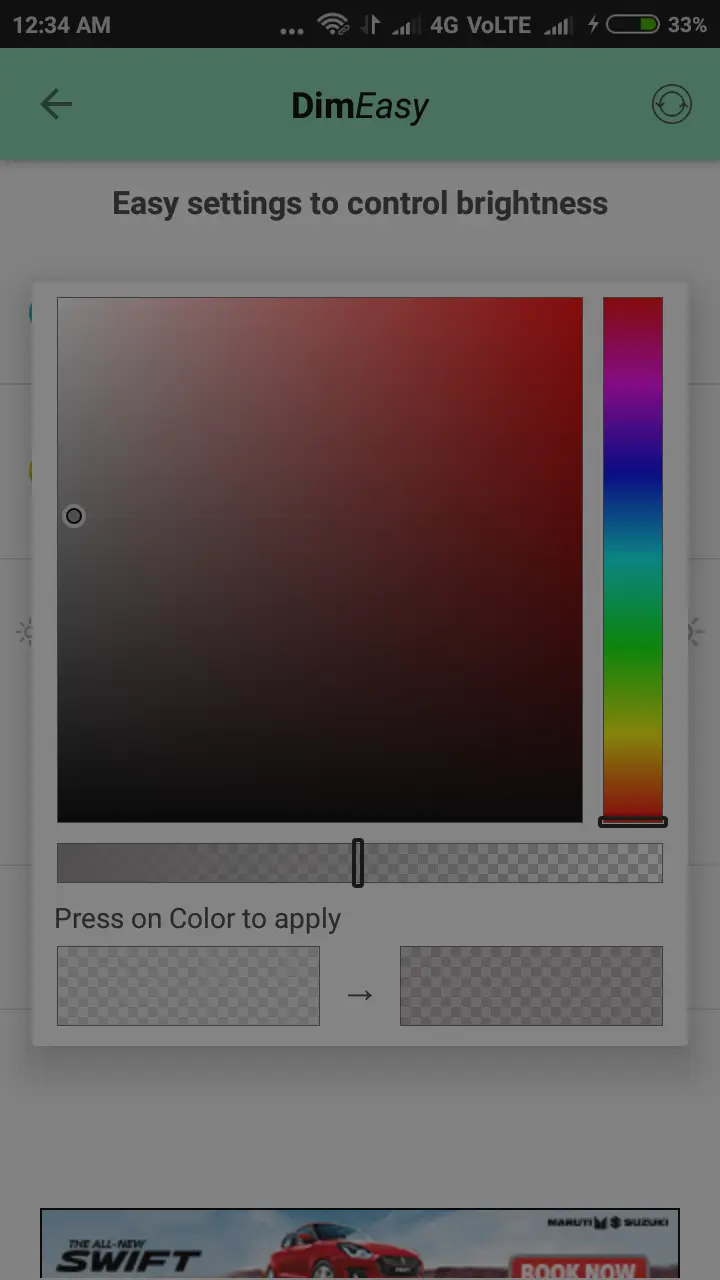
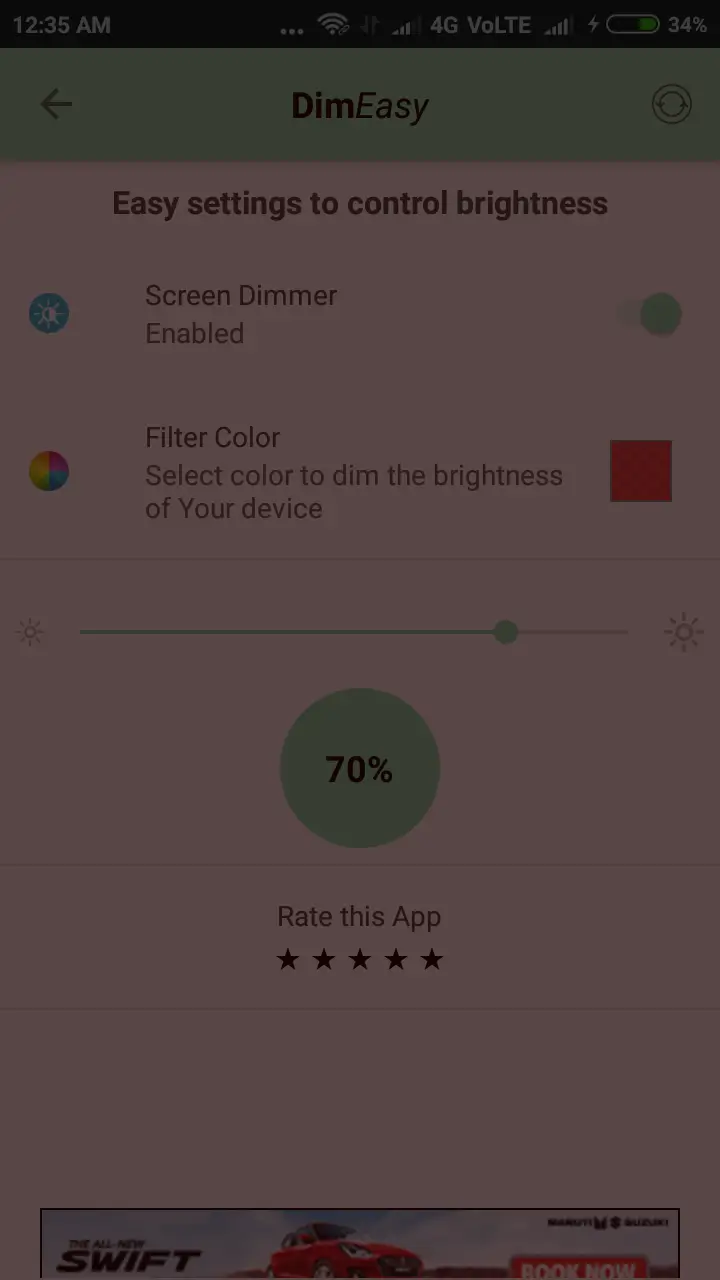
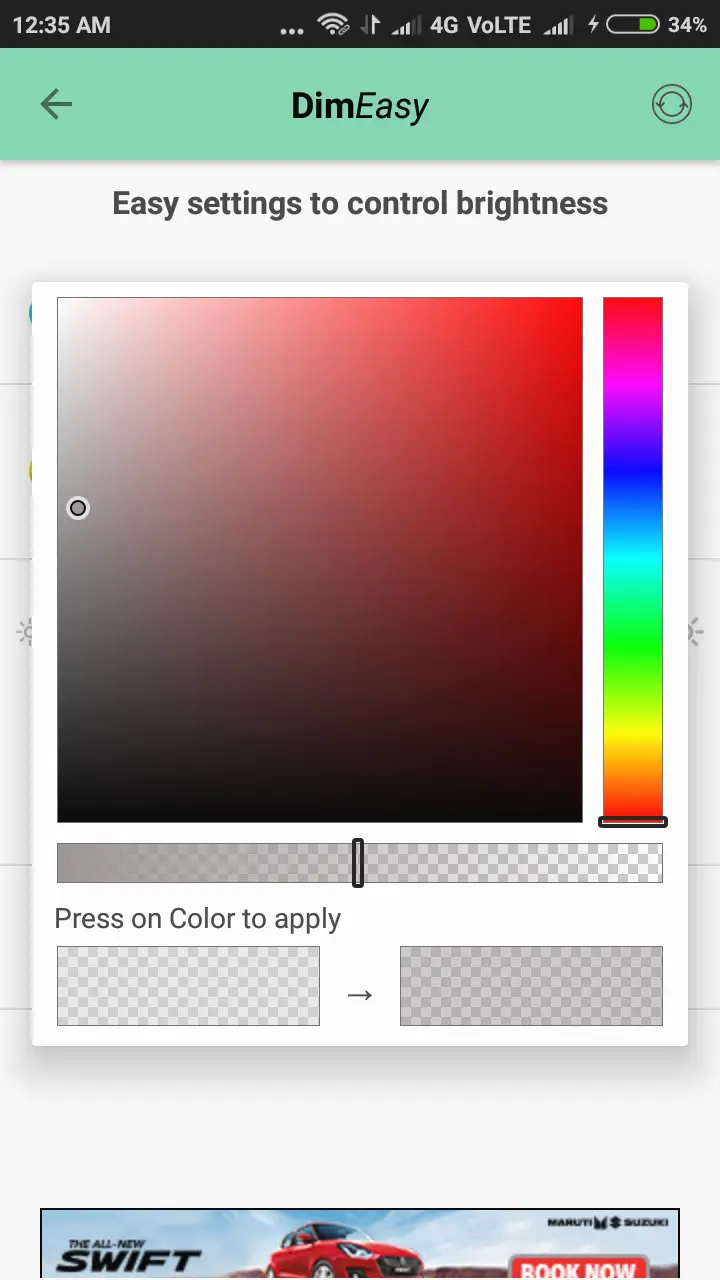
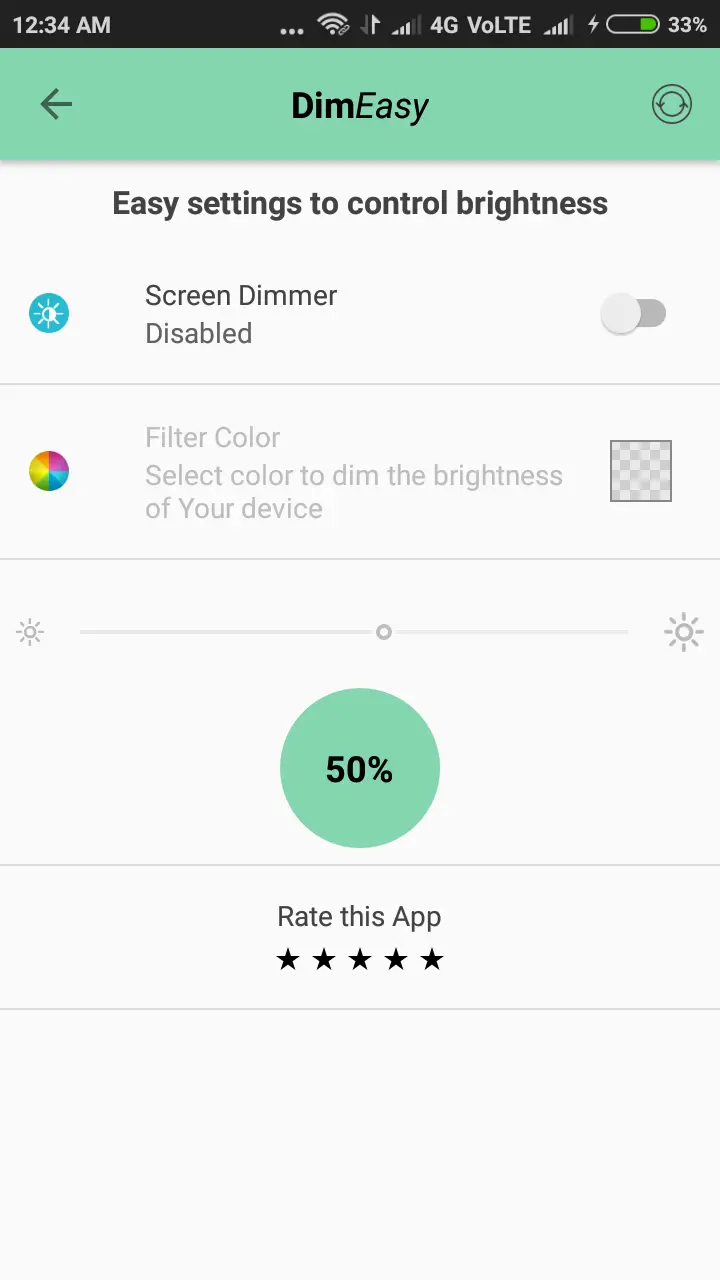

Dim Easy is a lightweight Android utility that lets you lower your screen brightness below the minimum level offered by the system. It’s useful when you need a very dim display for reading in dark rooms or to reduce eye strain at night.
This page provides the latest version details, installation guide, compatibility notes, and practical tips to help you get the most out of Dim Easy.
Quick Information
| App/Game Name | Dim Easy |
| Latest Version | 2.0.45 |
| Developer | Not listed |
| Category | Apps / Tools |
| App Size | 2 MB |
| Package Name | com.vinayak.bhat.screendimmer |
| Last Updated | 8 April 2024 |
What Is Dim Easy?
Dim Easy functions as an external screen dimmer. After installation, it adds a floating slider that adjusts the backlight intensity in real time. The app works independently of the device’s native brightness settings, allowing you to reach levels that the default controls cannot achieve.
Target users are anyone who finds the lowest system brightness still too bright—readers, night‑time gamers, or users who want to conserve battery while the screen is on. The app does not include advanced features such as blue‑light filters or automatic schedules; it focuses solely on manual dimming.
Compatibility
Compatibility
| Android Version | Not Verified |
| Architecture (ARM64 / 32-bit) | ✓ Verified — Supports common device architectures |
| Internet Connection | ✓ Verified — May be required for ads, updates, or login |
| Storage Needed | Not Verified |
| OBB/Data Files | Not Verified |
| Root Required | Not Verified |
How to Install
- Download the Dim Easy APK file to your Android device.
- Before installing, go to Settings → Security → Install unknown apps (or a similar path) and enable the permission for the browser or file manager you used.
- Open the downloaded APK and tap Install. Wait for the installation to finish.
- Once installed, launch Dim Easy from the app drawer. Adjust the slider to set your desired brightness level.
Troubleshooting
- App not installed: Ensure you have allowed installations from unknown sources and that the APK is fully downloaded.
- Crashes on startup: Verify that your device runs a supported Android version (usually Android 5.0+). Clearing the app cache or reinstalling can help.
- Slider has no effect: Some manufacturers lock brightness adjustments at the system level. In such cases, Dim Easy may be limited.
- Permission issues: Dim Easy typically requires the Display over other apps permission to show its slider. Grant it in Settings if prompted.
Safety & Security
Dim Easy is an unmodified APK distributed outside the official Play Store. As with any third‑party file, download it from a reputable source, scan the file with an antivirus app, and review the permissions it requests. The app does not ask for personal data, but it does need overlay permission to display the dimming control.
Because the package is not signed by a known developer, future updates may require a fresh download rather than an in‑app update. Keep a backup of the current APK if you rely on it for nightly use.
How Dim Easy Compares
| Feature | Dim Easy | Twilight | Night Screen | Screen Dimmer |
|---|---|---|---|---|
| Price / Free model | Free, no ads | Free with optional paid upgrade | Free, ad‑supported | Free, ad‑supported |
| Platform availability | Android only | Android only | Android only | Android only |
| Standout feature | Manual dimming below system minimum | Blue‑light filter & automatic sunset schedule | Color temperature adjustment + dimming | Simple slider with widget support |
| Best for | Users who only need extra manual dimming | Those who want eye‑care filters and auto‑schedule | People who like combined color and brightness control | Anyone preferring a minimalistic dimmer |
Alternatives
Twilight – Adds a blue‑light filter and can automatically adjust based on sunset times. Good for reducing eye strain.
Night Screen – Offers both color temperature changes and manual dimming, with a simple widget for quick access.
Lux Auto Brightness – Uses ambient light sensors to adapt brightness automatically, but also includes a manual dimming option.
Screen Dimmer – A straightforward dimmer with widget support, similar in scope to Dim Easy but includes a small ad banner.
Final Verdict
Dim Easy delivers exactly what its name promises: a quick, ad‑free way to push screen brightness lower than the system allows. It’s best for users who need a single‑purpose dimmer without extra features or subscriptions. Because it’s an unofficial APK, verify the source and be prepared to reinstall after major Android updates.
Frequently Asked Questions
The APK is not from the Play Store, so download it from a trusted source and scan it with an antivirus before installing.
It works on most Android 5.0 (Lollipop) and newer devices, but some manufacturers may restrict overlay brightness controls.
No, Dim Easy does not require root. It only needs permission to draw over other apps.
The app lets you lower the backlight below the minimum level set by the system, providing a darker screen for night‑time use.
Dim Easy does not include scheduling; you must adjust the slider manually each time.
It typically asks for the overlay permission to display its slider on top of other apps.
This can happen if installation from unknown sources is disabled, the APK is corrupted, or the device blocks apps without a recognized signature.
Running multiple dimmer apps may cause conflicts; it’s best to use only one at a time to avoid unexpected brightness behavior.